Integrating Raycast with Blitzit
This integration lets you use Raycast’s MCP extension to connect Blitzit, enabling quick actions like task management directly from Raycast commands.
Setting Up the Integration
First, install the Raycast MCP Registry extension:
https://www.raycast.com/raycast/model-context-protocol-registry
Follow these steps:
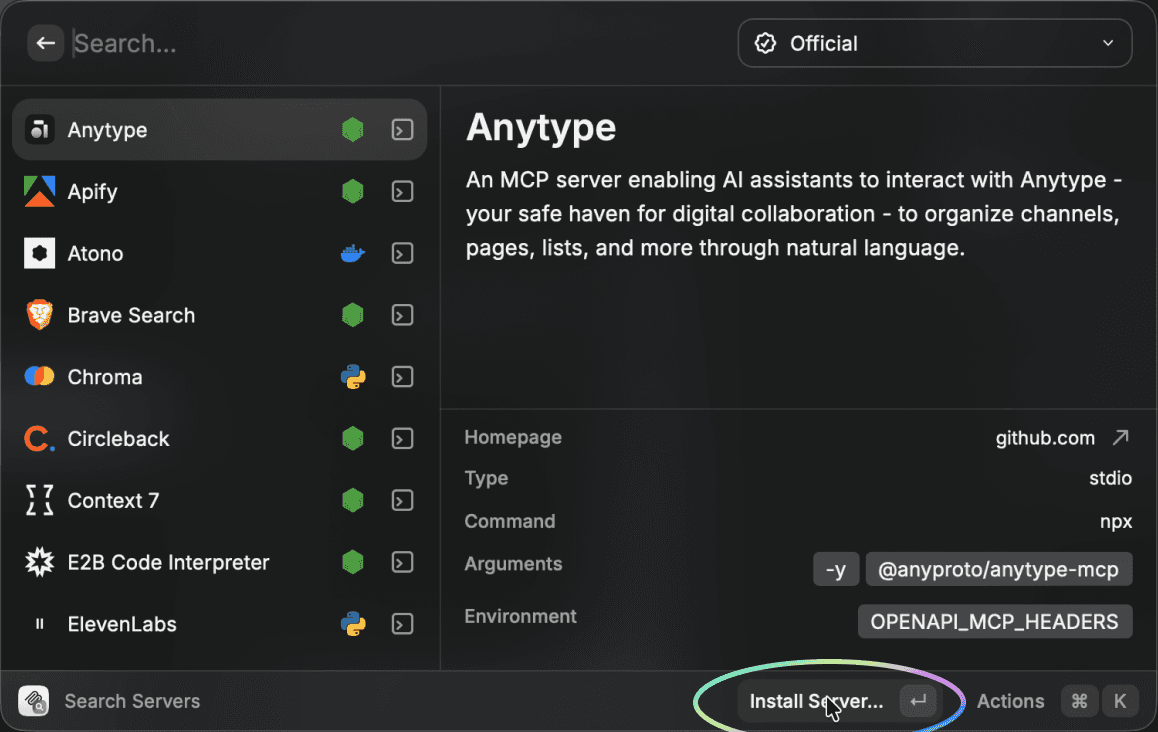
In Raycast, search for “Search Servers”.
Press Enter or click Install server in the footer.
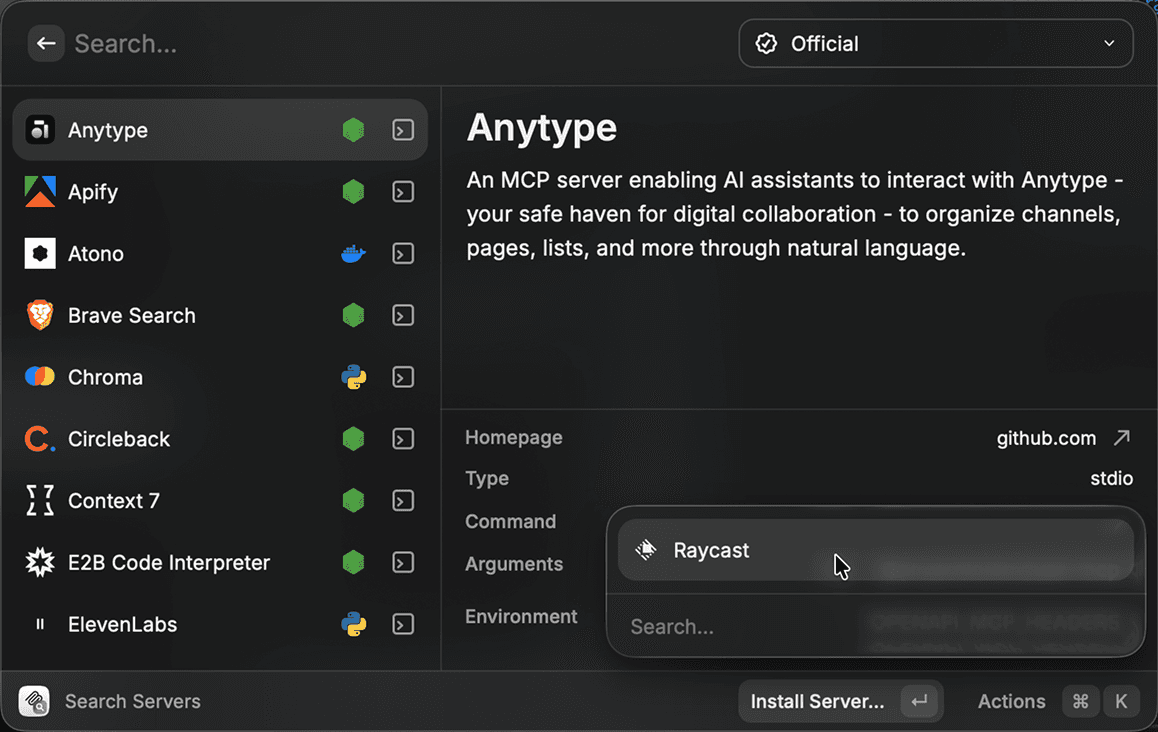
Select Raycast from the list.
Enter a name of your choice, select HTTP in the Transport field, and insert the remote MCP server URL:
https://integration-prod.blitzit.app/mcp
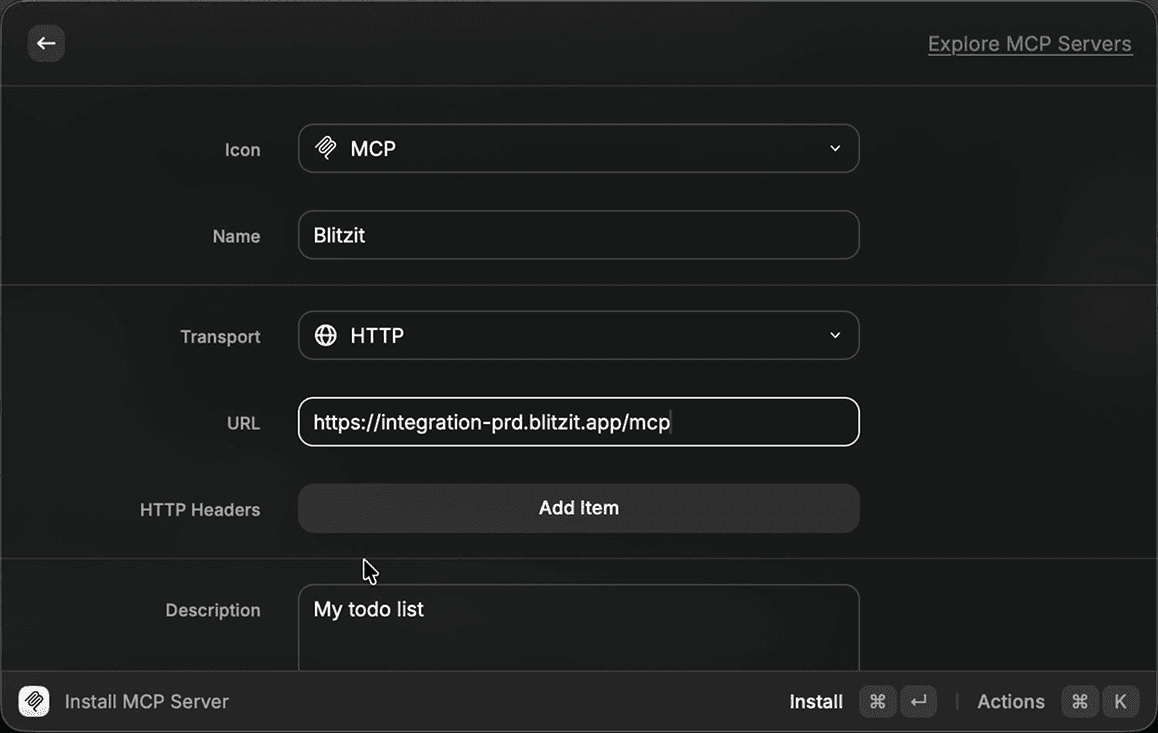
Press Cmd+Enter to install.
Sign in to your Blitzit account with your email.
Using Raycast with Blitzit
Once connected, search for "Ask Blitzit" in Raycast to start using it.
You're now ready! Use "Ask Blitzit" to:
Create and edit lists, tasks, and subtasks
Add and edit notes
Schedule tasks
Move tasks between columns and lists
Complete tasks and subtasks
…and more
Press Cmd+Enter to confirm tool usage when prompted.
Note: This integration is in an early stage, so some actions may not work perfectly yet. We're actively improving it and appreciate your feedback.