Integrating ChatGPT with Blitzit
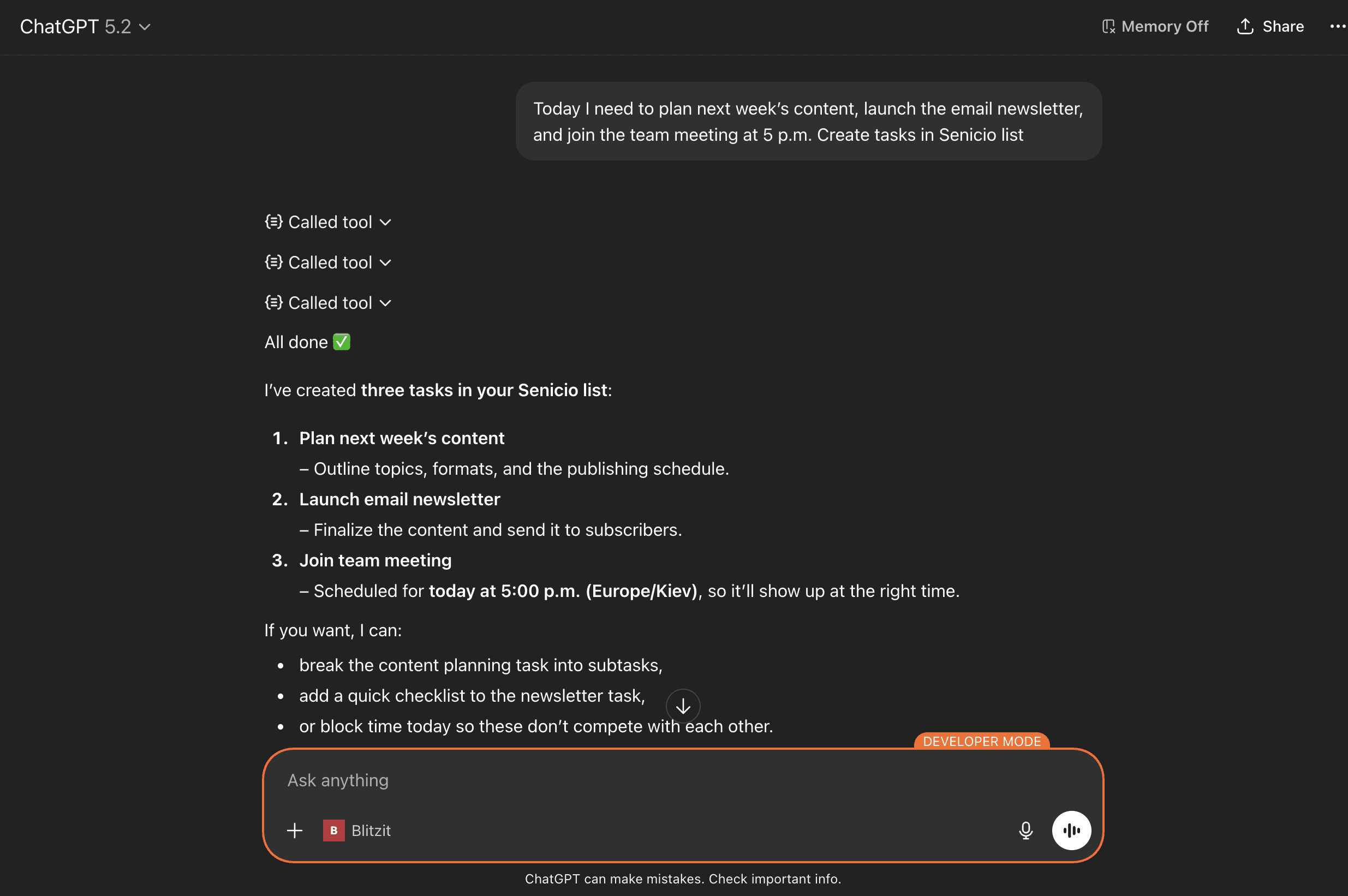
This integration lets you use ChatGPT to perform actions directly in Blitzit, right from ChatGPT’s chat interface.
Setting Up the Integration
Connect ChatGPT to Blitzit's MCP server manually to get started.
Note: This would require a Chatgpt Go , Plus , Pro or Business plan.
Follow these steps:
Open Settings > Security and login. Turn on Developer mode.
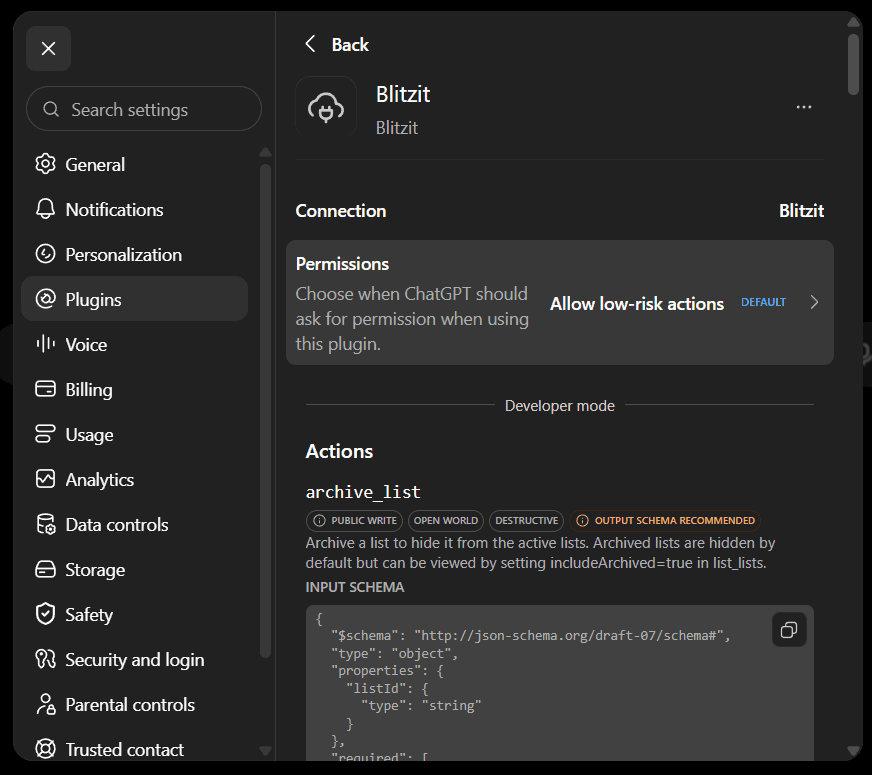
Go to Settings > Plugins > Browse Plugins.
Click the + button to add a developer-mode app.
Enter a name of your choice and the remote MCP server URL:
https://integration-prd.blitzit.app/mcp
https://core.blitzit.app/v3/mcp (for app version 3.x and higher)
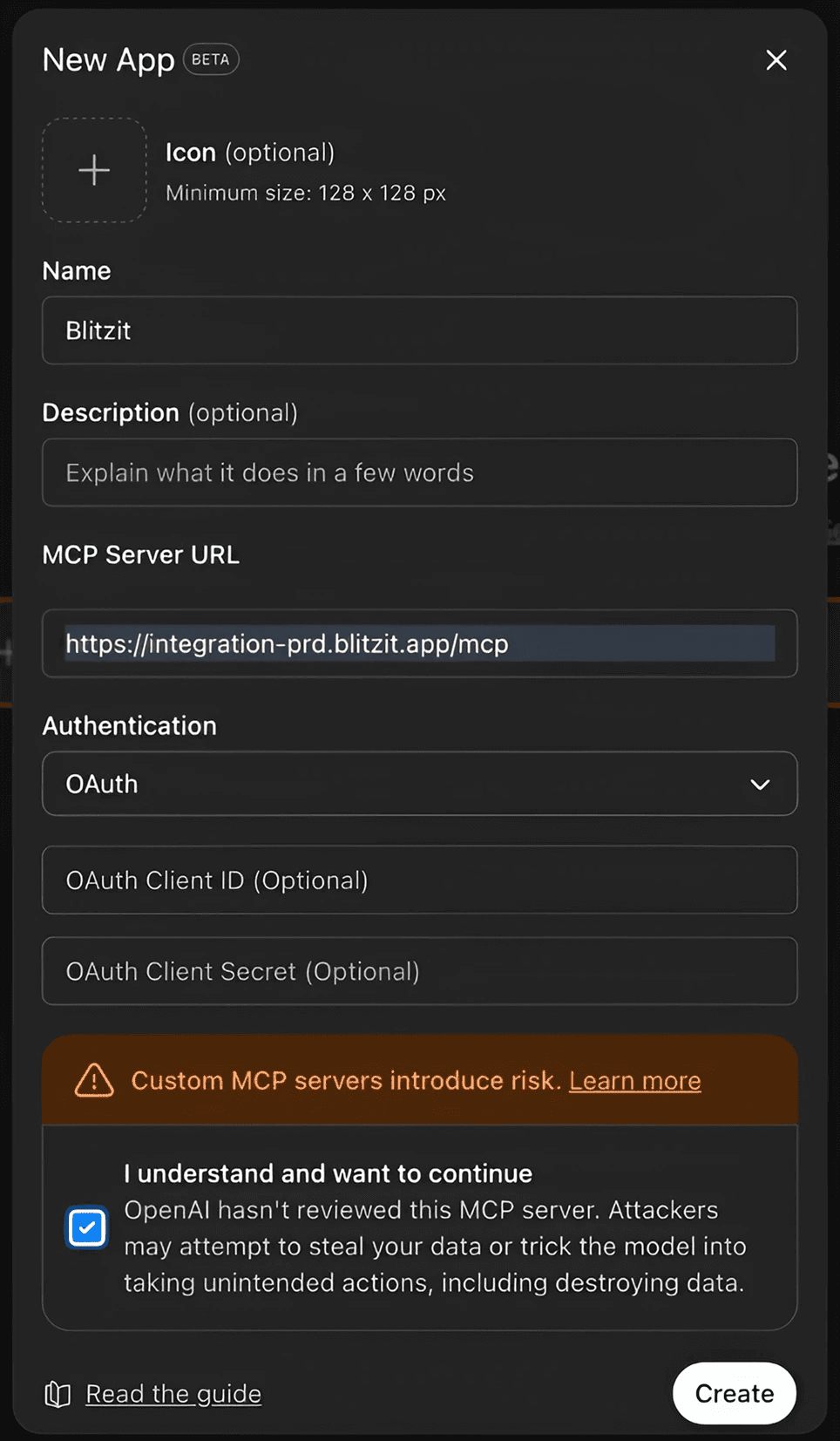
Configure the required authentication and complete the OAuth login to Blitzit when prompted.
ChatGPT will scan the MCP server's available tools and Create the app.
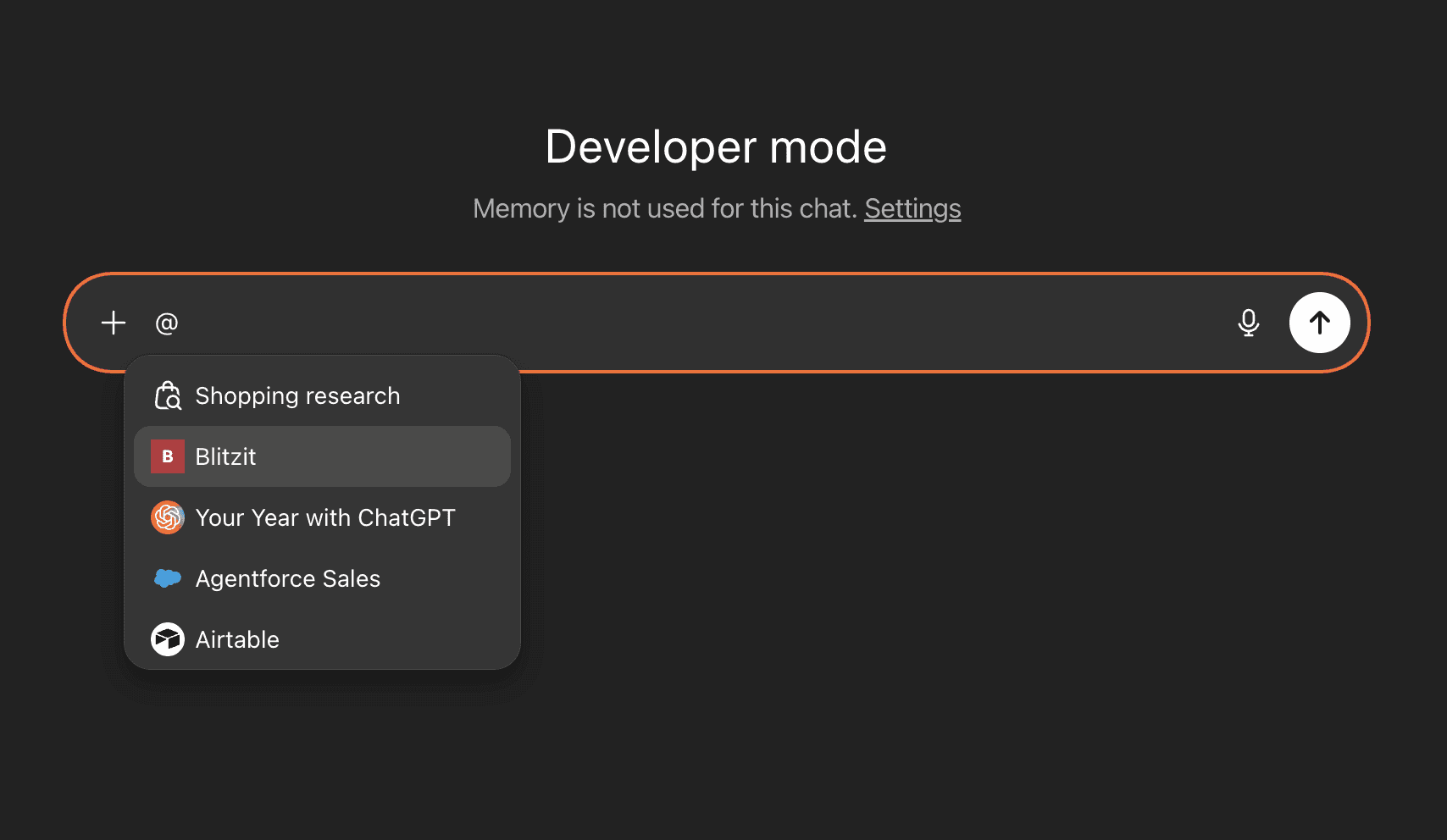
Open a new chat and select the Blitzit app from the chat tools menu.
You can then use Blitzit's MCP tools from ChatGPT.
You’ll see the Preferences window, where you can enable the Reference memories and chats feature if you want ChatGPT to refer to your previous chats when performing actions in Blitzit.
Note: Blitzit will soon appear in ChatGPT’s native apps list, so the setup process will become even simpler.
Using ChatGPT with Blitzit
In any ChatGPT chat, activate the connector by typing the @ symbol and selecting Blitzit (or the name you chose for the app).
You're now ready! Use ChatGPT to:
Create and edit lists and tasks
Add and edit notes
Schedule tasks
Move tasks between columns and lists
Complete tasks and subtasks
...and more, powered by ChatGPT's AI capabilities and memory of your preferences
Note: This integration is in an early stage, so some actions may not work perfectly yet. We’re actively improving it and appreciate your feedback.