
The smartest professionals are no longer treating AI chat as a separate tab they visit when they get stuck. They are moving their LLMs into the place where work already happens: the terminal. That shift matters because the terminal is not just a place to write code. It is a place to inspect files, run commands, search logs, trigger scripts, open pull requests, connect services, and execute real work.
Claude Code and OpenAI’s Codex are part of a larger change in how knowledge workers use AI. The value is not only that an agent can write code. The bigger value is that it can understand context, act across tools, verify results, and reduce the constant switching between apps that drains attention during the day.
The terminal is becoming the AI command center
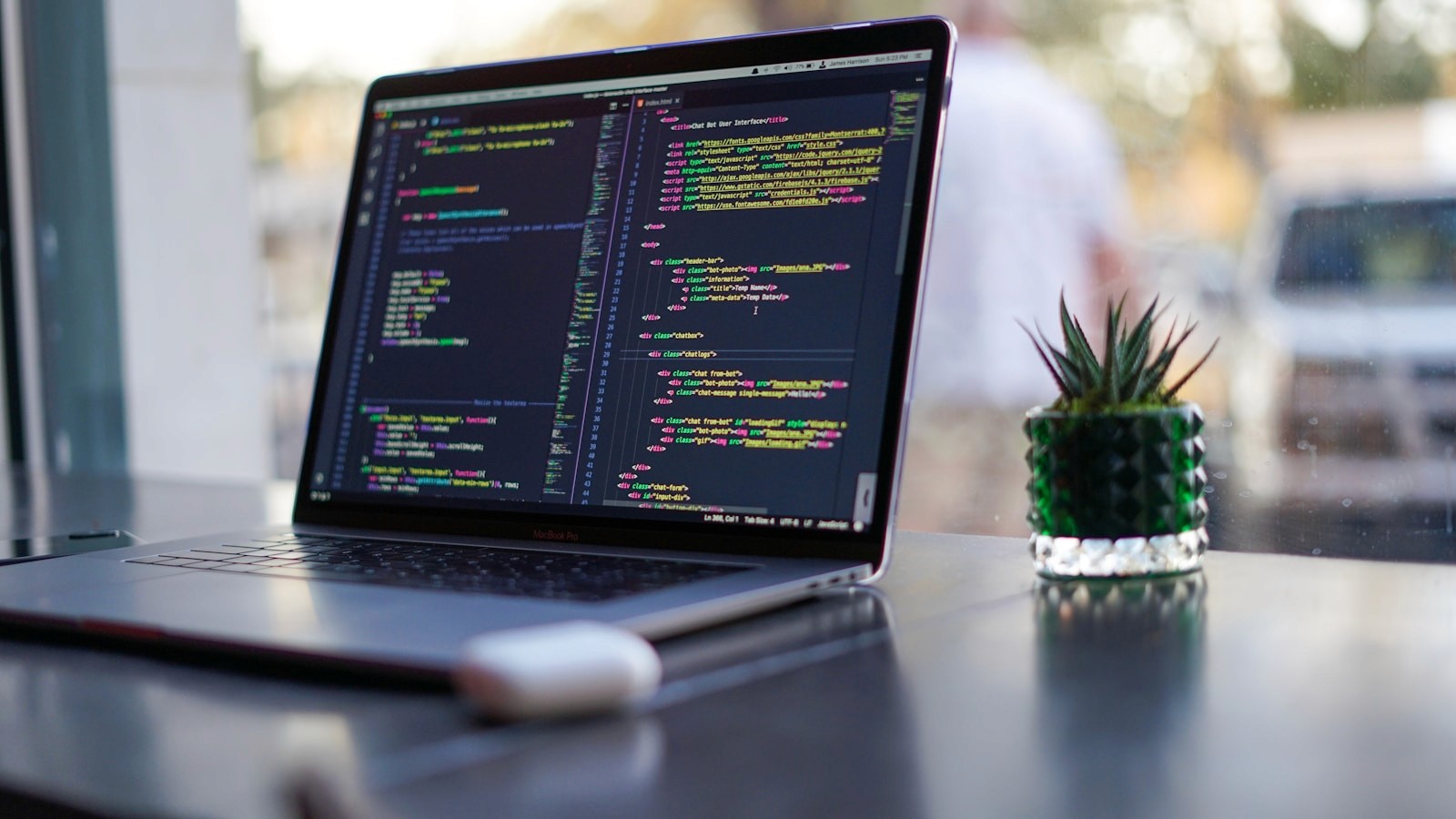
For years, productivity software has asked people to spread their attention across project management tools, documentation, chat, email, calendars, IDEs, dashboards, and browser tabs. LLMs make that problem more obvious. If an AI assistant lives in a chat window with no access to your files or tools, it can suggest what to do, but it often cannot help you finish the job.
Terminal agents change that pattern. They sit close to the actual work surface. A professional can ask the agent to inspect a codebase, summarize a failing test, update documentation, create a branch, draft a commit message, query a local file, or connect to an outside system. The workflow starts to feel less like prompting a chatbot and more like delegating a task to a junior operator who can see the workspace.
Claude Code shows the pattern clearly
Anthropic describes Claude Code as an agentic coding tool that reads your codebase, edits files, runs commands, and integrates with development tools. That description is important because it frames the product around action, not only advice.
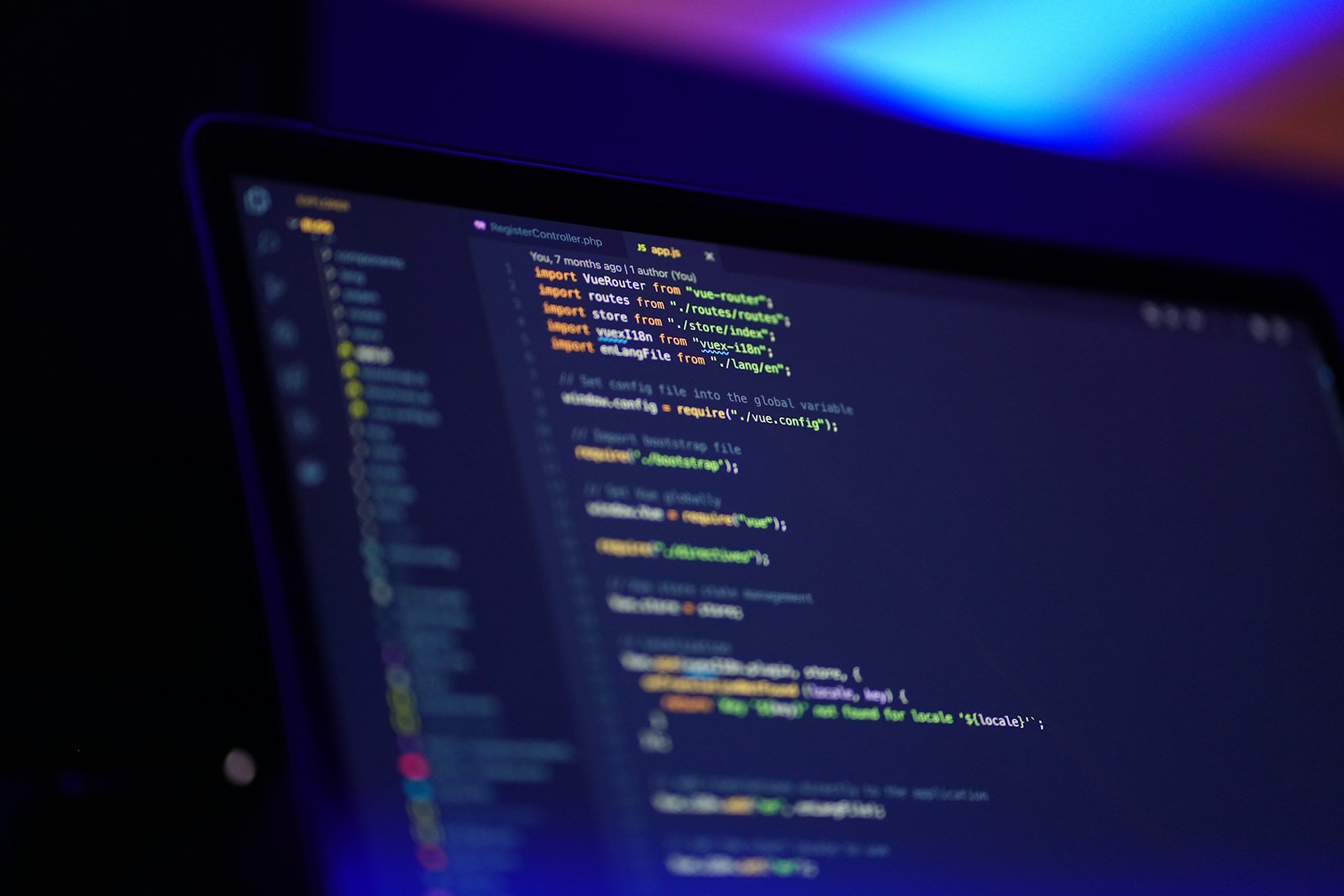
“Claude Code is an agentic coding tool that reads your codebase, edits files, runs commands, and integrates with your development tools. Available in your terminal, IDE, desktop app, and browser.”
The practical effect is simple. Instead of copying an error from the terminal into a browser, waiting for a generic answer, then manually applying the fix, the professional can keep the loop in one place. Ask the agent to diagnose the issue, let it inspect relevant files, run the command, read the output, and make the smallest useful change.
Claude’s own documentation gives examples that are broader than coding from scratch: writing tests, fixing lint errors, resolving merge conflicts, updating dependencies, writing release notes, creating commits, opening pull requests, piping logs into the model, automating translations in CI, and reviewing changed files for security issues.
OpenAI Codex pushes the same idea into the terminal
OpenAI’s Codex CLI is presented with the line, “Pair with Codex in your terminal.” That phrase captures a subtle but important productivity idea. The AI is not off to the side. It is paired with the user inside the environment where commands are executed and work is verified.
“Pair with Codex in your terminal.”
The Codex documentation also points to workflows, subagents, sandboxing, command line options, slash commands, MCP, GitHub integrations, Slack integrations, Linear integrations, non-interactive mode, SDKs, and GitHub Actions. That menu tells us where this category is going. It is not only autocomplete for code. It is a system for assigning work, constraining execution, and connecting AI to the tools a team already uses.
The real unlock is connecting tools
A terminal agent becomes much more powerful when it can reach beyond the local project. This is where the Model Context Protocol, or MCP, becomes central. MCP gives AI applications a standard way to connect to data sources, tools, and workflows.
“MCP (Model Context Protocol) is an open-source standard for connecting AI applications to external systems.”
The MCP site uses a helpful analogy: it calls MCP “a USB-C port for AI applications.” In plain English, that means AI agents can stop being isolated assistants and start becoming connected operators. They can read from tools like docs, calendars, files, databases, and issue trackers, then take action through approved interfaces.
Claude Code’s docs give concrete examples: with MCP, Claude Code can read design docs in Google Drive, update tickets in Jira, pull data from Slack, or use custom tooling. MCP’s own introduction lists examples like agents accessing Google Calendar and Notion, Claude Code generating a web app from a Figma design, and enterprise chatbots connecting to multiple databases.
What smart professionals are actually doing with this
The best use cases are not flashy. They are boring, repeatable, and high-leverage. That is exactly why they matter.
1. Turning scattered context into executable tasks
A product manager can ask an agent to read a ticket, inspect related files, summarize the technical risk, and draft acceptance criteria. A founder can pipe customer feedback into a prompt and ask for product themes, then create tasks in the team’s tracker. An engineer can ask the agent to connect an issue description to the exact parts of the codebase that need attention.
2. Compressing the build, test, fix loop
A terminal agent can modify files, run tests, read failures, and try a narrower fix. That is a meaningful shift from AI as a writing tool to AI as an execution loop. The professional still owns the decision, but the tedious loop gets faster.
3. Using the agent as a personal operations layer
When connected to the right tools, an agent can help a professional move from planning to action. It can summarize yesterday’s Slack thread, check the repo, update a Linear issue, draft a changelog, and suggest the next command to run. This is where terminal AI becomes personal productivity infrastructure rather than a novelty.
4. Creating a better memory layer for work
Claude Code uses project instructions through CLAUDE.md and can build memory as it works, according to Anthropic’s docs. Codex has its own documentation around memories, customization, rules, and AGENTS.md. The theme is clear: teams are moving from one-off prompts toward durable operating context. The agent learns the conventions, scripts, architecture decisions, and review standards that make work consistent.
The productivity gain is not magic. It is fewer handoffs.
Most productivity loss hides in handoffs. You copy context from one tool to another. You translate a meeting note into a task. You turn a task into a branch. You turn a branch into a pull request. You turn a pull request into release notes. You turn release notes into a customer update. Terminal agents reduce those small handoffs by giving one assistant enough context and permissions to carry work through several steps.
This is why the terminal matters. It is close to the source of truth for builders, but the pattern is useful beyond engineering. Any professional with repeatable workflows, structured files, connected tools, and clear approval boundaries can benefit from the same model.
How to use terminal agents responsibly
The professionals getting the most from these tools are not handing over everything blindly. They are designing good boundaries.

Start with low-risk workflows like summaries, test generation, documentation updates, changelog drafts, and local scripts.
Keep approval gates for file edits, external tool actions, database changes, and anything that affects customers.
Use project instructions so the agent understands your standards, naming conventions, testing approach, and definition of done.
Ask the agent to show its plan before large changes, then review diffs rather than trusting a final answer.
Prefer repeatable commands and documented workflows over vague prompts that cannot be audited later.
The goal is not to remove human judgment. The goal is to make human judgment less trapped inside repetitive execution.
A new kind of productivity stack
The old productivity stack was a collection of apps. The new one is starting to look like a connected workspace with an AI agent sitting at the execution layer. Claude Code, Codex, and MCP are early signs of that shift. The winners will not be the people who ask the cleverest prompts. They will be the people who connect their tools, document their workflows, and turn their AI agents into reliable operators for the work they already know how to do.
For smart professionals, the terminal is no longer just a developer interface. It is becoming a place to think, build, coordinate, and execute with an AI teammate that can actually move the work forward.
References
Anthropic, “Claude Code overview,” docs.anthropic.com.
OpenAI Developers, “Codex CLI,” developers.openai.com.
Model Context Protocol, “What is the Model Context Protocol?” modelcontextprotocol.io.